
WCO IPM3.7 - Get APK
You'll be able to download in few seconds.
Publisher Description
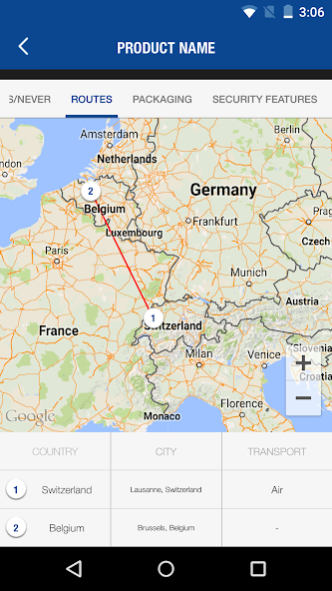
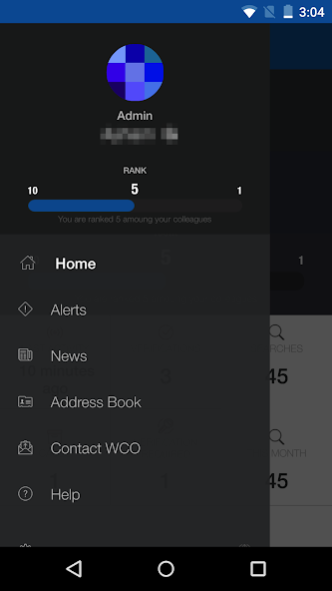
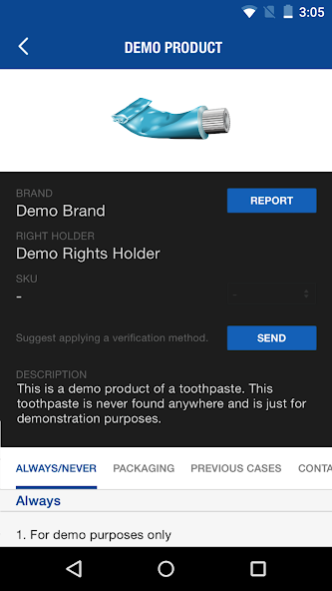
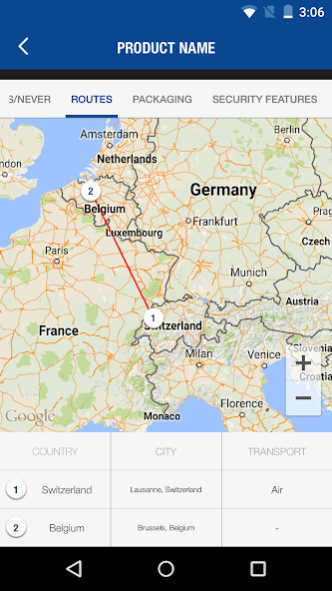
IPM is a web and mobile platform that serves as a gateway to actionable information and as an interface between frontline Customs Officers and the private sector. It is used by Customs Officers in more than 80 countries and allows operational data concerning products to be communicated directly to Customs officers on the ground, facilitating the identification and verification of counterfeit goods.
What is it?
IPM is a web and mobile platform enabling Right Holders to provide Customs Officers with real-time data and on-line access to verification solutions on their products. Customs Officers can access this information anywhere in the world via a simple and secure interface.
Who uses it?
IPM is made freely available for all 180 Member Customs Administrations. In order to use the application users must be a Customs Officer employed by an Administration member of IPM. For details please refer to http://wcoipm.org/ .
How to use it?
In addition to the traditional services available on the web platform, IPM offers the possibility to use mobile devices to scan barcodes or manually search the products database. The barcode, serving as a product identifier, facilitates access to multiple data sources providing information on the specific product. Furthermore, scanning the barcode of a product will display, whenever available, the link to any authentication or secure traceability process.
About WCO IPM
The company that develops WCO IPM is WCO. The latest version released by its developer is 3.7.
To install WCO IPM on your Android device, just click the green Continue To App button above to start the installation process. The app is listed on our website since 2017-04-26 and was downloaded 0 times. We have already checked if the download link is safe, however for your own protection we recommend that you scan the downloaded app with your antivirus. Your antivirus may detect the WCO IPM as malware as malware if the download link to com.pss.ipm.wco is broken.
How to install WCO IPM on your Android device:
- Click on the Continue To App button on our website. This will redirect you to Google Play.
- Once the WCO IPM is shown in the Google Play listing of your Android device, you can start its download and installation. Tap on the Install button located below the search bar and to the right of the app icon.
- A pop-up window with the permissions required by WCO IPM will be shown. Click on Accept to continue the process.
- WCO IPM will be downloaded onto your device, displaying a progress. Once the download completes, the installation will start and you'll get a notification after the installation is finished.
Program Details
System requirements
Download information
Pricing
Version History
version 3.7
posted on 2017-04-27
- Adding events calendar in daily and quarterly view.
- Adding productions section to product details page.
- Adding new user roles.
version 3.2
posted on 2016-11-08
Disclaimer
External Download
We do not host WCO IPM on our servers. We did not scan it for viruses, adware, spyware or other type of malware. This app is hosted by Galad and passed their terms and conditions to be listed there. We recommend caution when installing it.
The APK Download link for WCO IPM is provided to you by apps112.com without any warranties, representations or guarantees of any kind, so access it at your own risk.
If you have questions regarding this particular app contact the publisher directly. For questions about the functionalities of apps112.com contact us.
